



PixVerse
Generation adapter
Video workflows and image templates; website handoff also available.
 SUPER EDITOR.Join Super Beta ↗
Your craft. Emerging intelligence. A super creative finish.
Bring traditional techniques and AI possibilities together in a Creative Finisher for novice, emerging, and professional creators.

01 / FIND YOUR FLOW
Explore the actual beta workspaces. Select a mode, watch its panels come together, then enlarge the capture to inspect its tools.
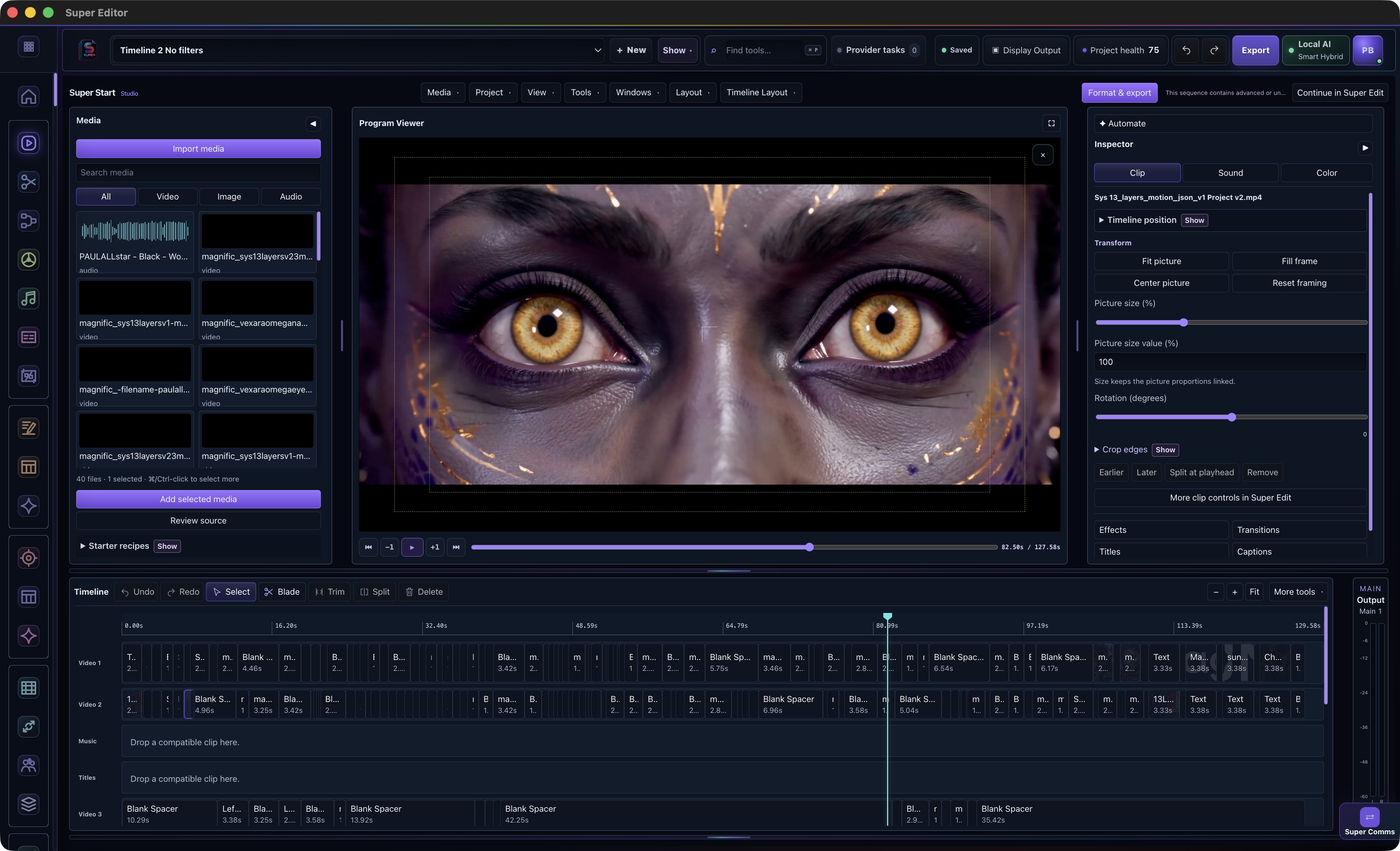
Import media, arrange clips, and adjust picture and sound in a guided workspace.
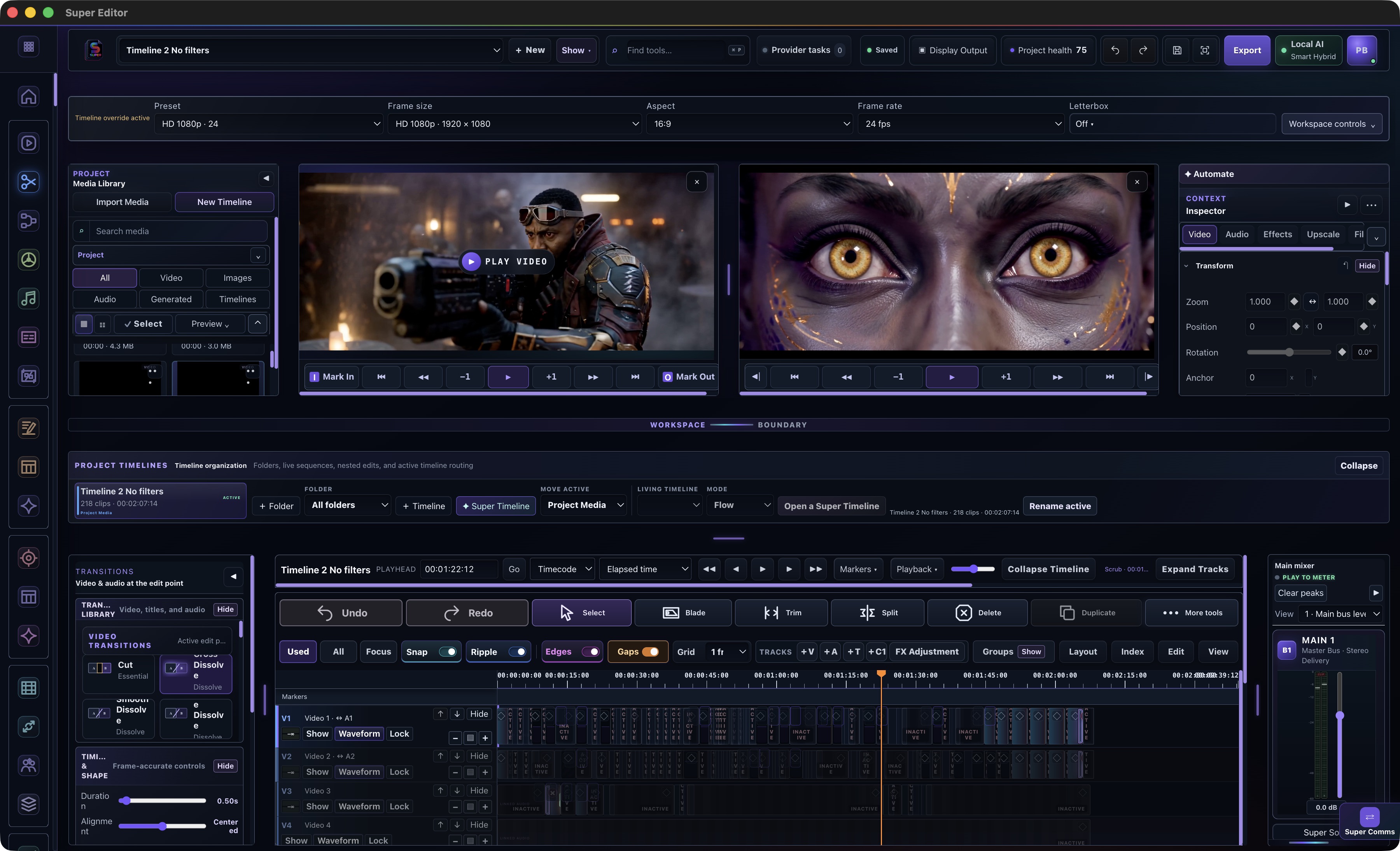
Trim multi-track picture and audio with source and program viewers beside your timeline.
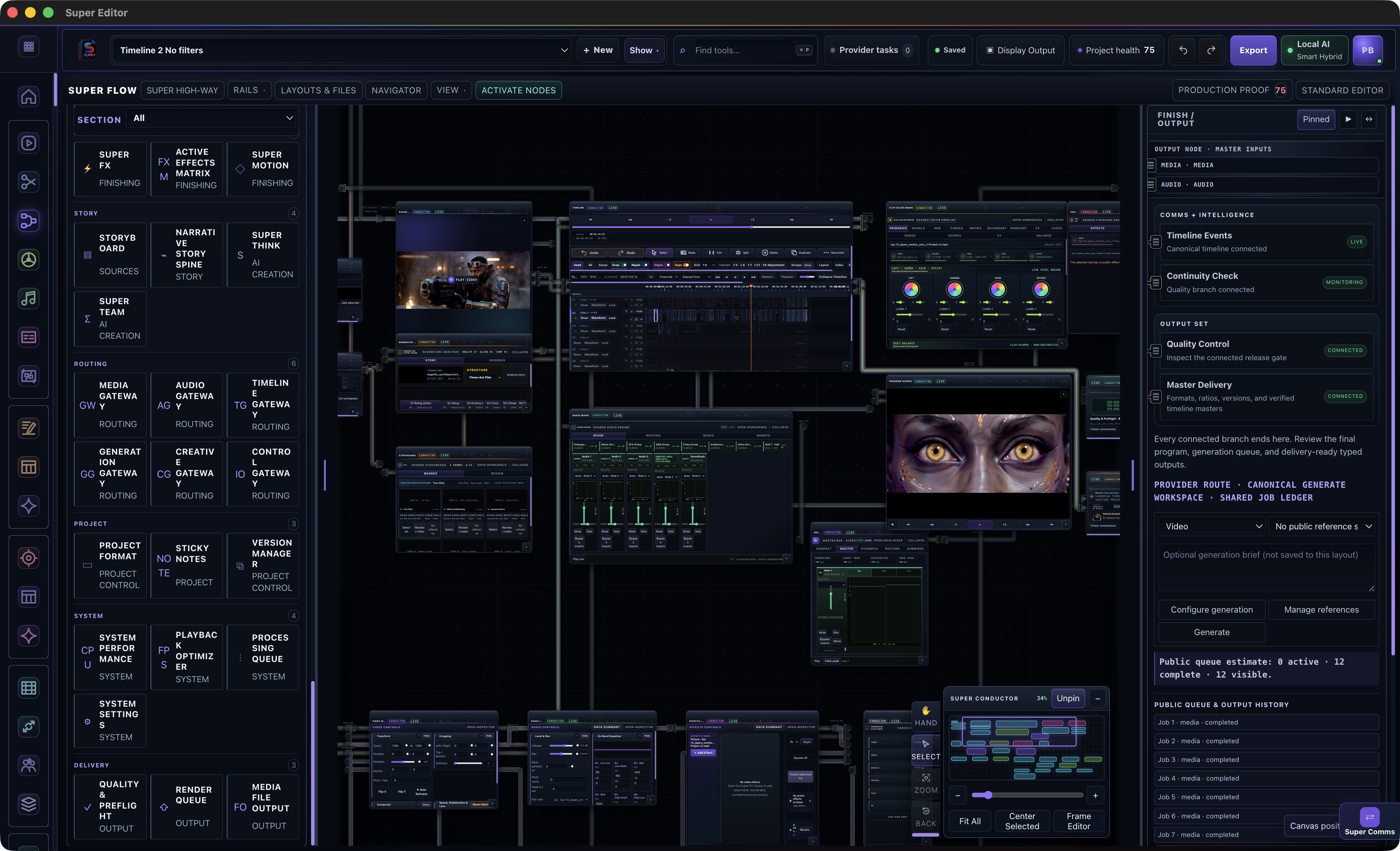
Follow media through typed nodes and compatible connections in the same project.
Three perspectives. The same media, timeline, history, and output. Beta interface and feature availability may change.
SUPER HIGHWAY / INSIDE THE EDITOR
Explore the beta, one workspace at a time.
Select a feature to see its real interface. Enlarge any capture for a closer look.
Explore connected production modules and routes in the Super Flow workspace.
Review planned beats, pacing, and editorial guidance. Keep story decisions in human hands.
Explore the expanded mixer, with main bus and individual track controls beside the timeline.
Explore the full Super Sound workspace and review sound controls alongside your edit.
Explore color grading controls with the picture preview in Super Color.
Inspect a saved Tripo model from four views in the 3D studio workspace.
Inspect media readiness and review the project’s delivery checks.
Review delivery settings, output formats, and export readiness before rendering.
Actual beta interface. Interface may evolve.
SUPER TEAMS / FINISH THE FIGHT
Corruption wants every story left unfinished. The Super Team has other ideas. Different powers, one creative direction, and the determination to bring your vision across the finish line.
The Super Team battles Corruption across the timeline. Use the battle controls to pause, replay, or watch the final move. A full battle description follows the character cards.
The Super Team is getting ready.
Meet the team above: imagination, motion, sound, dimension, detail and connection, united by the will to finish. Select a teammate to open their Character Super Profile, with poses, attributes and power moves.
Super Team concept artwork · A creative universe inspired by your tools and your determination.
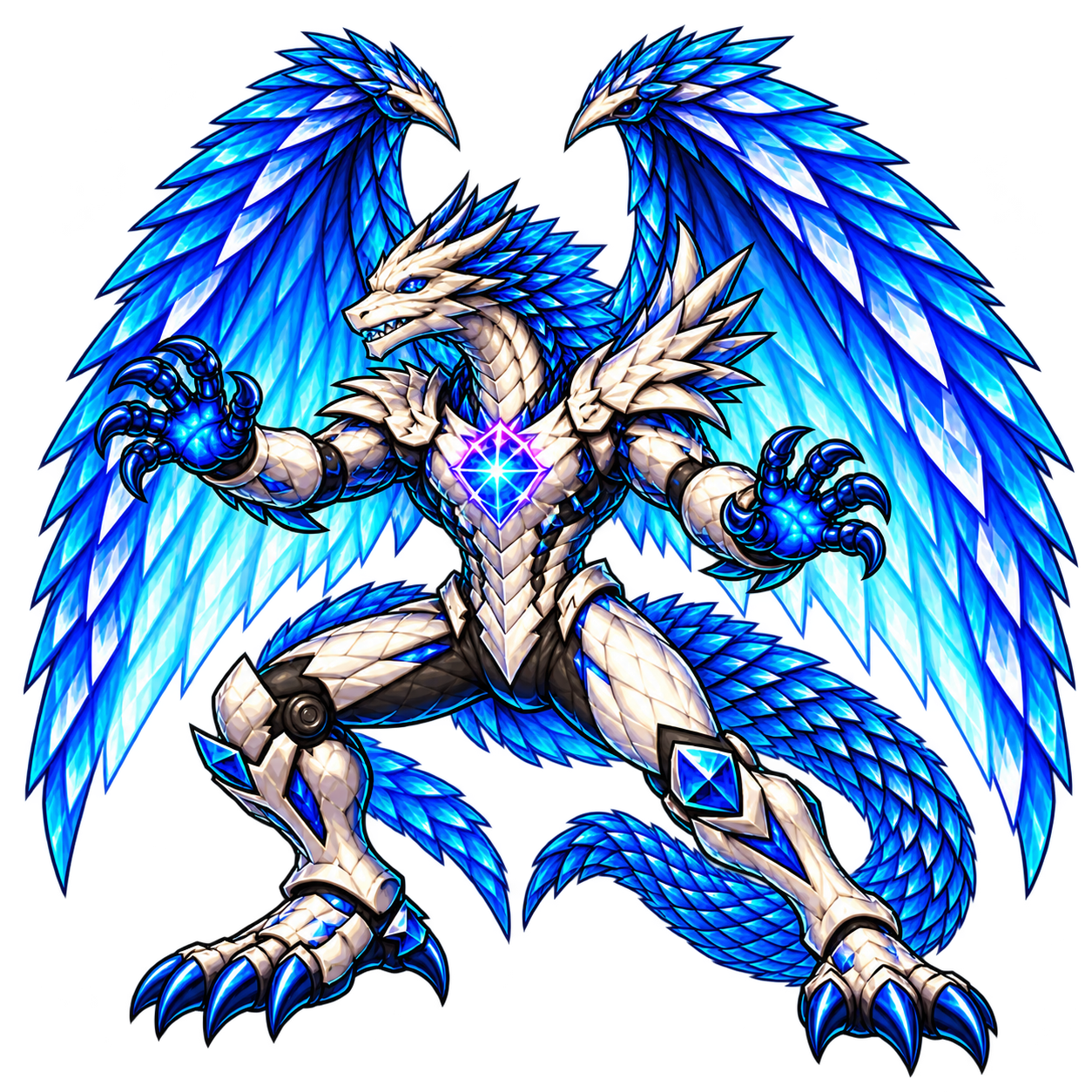
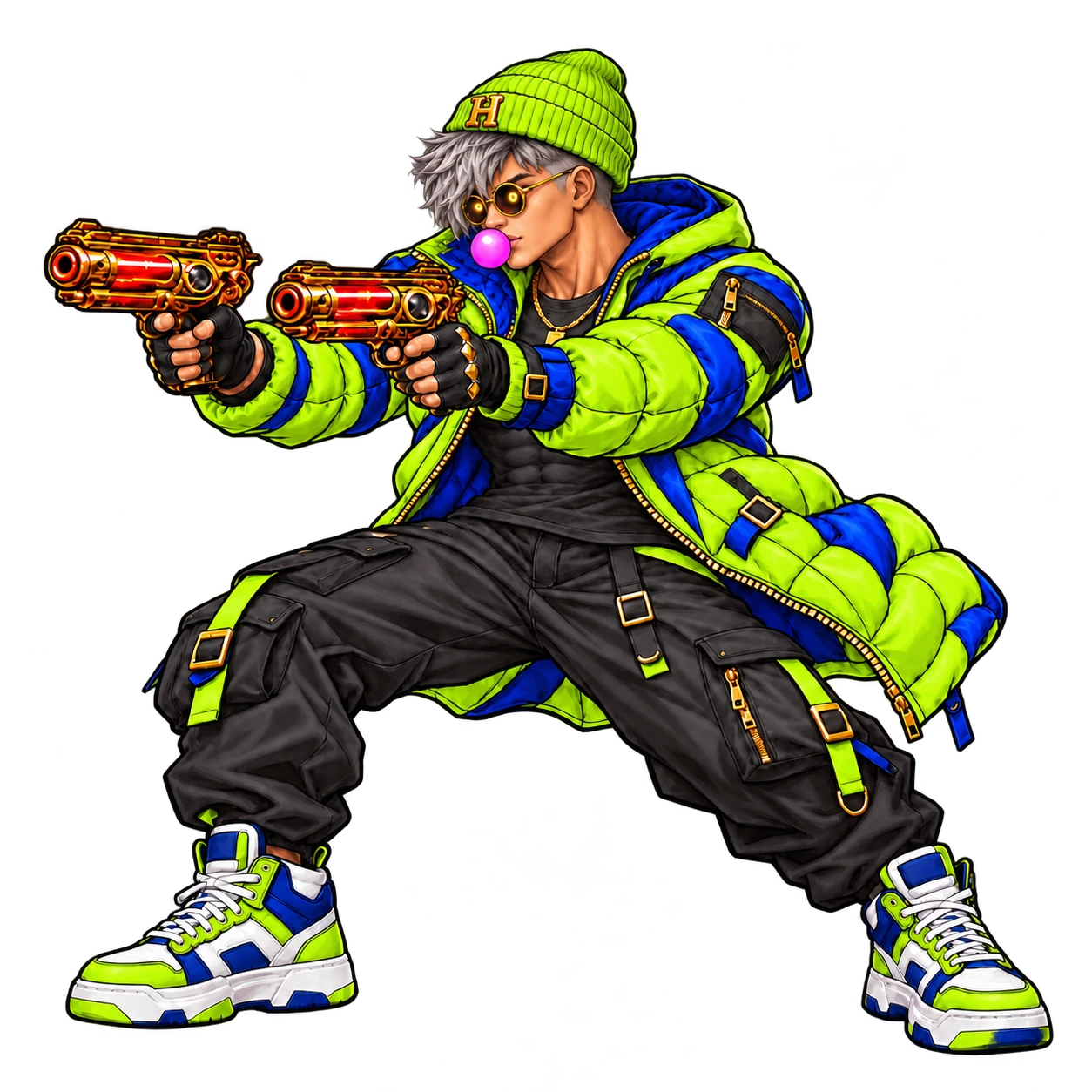
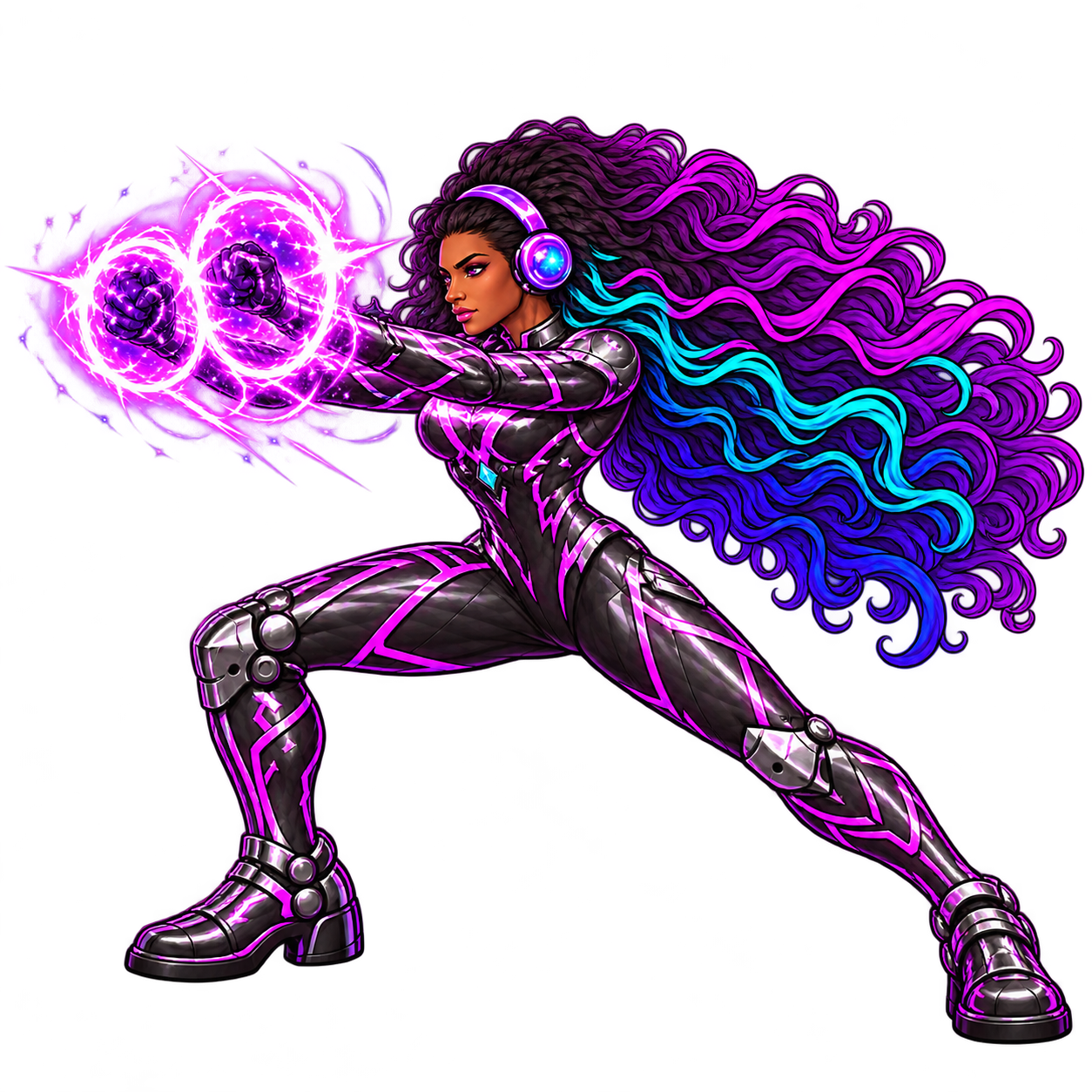
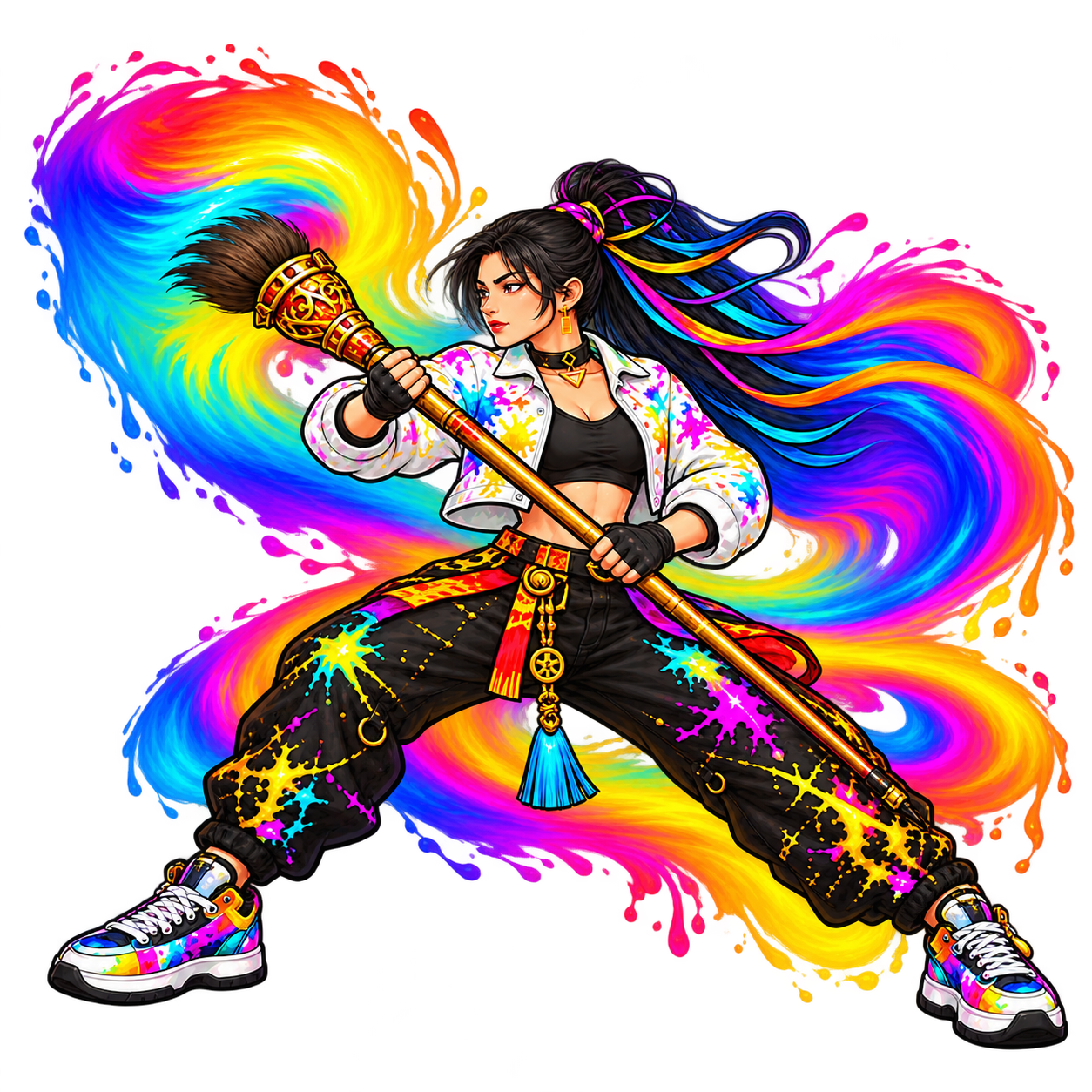
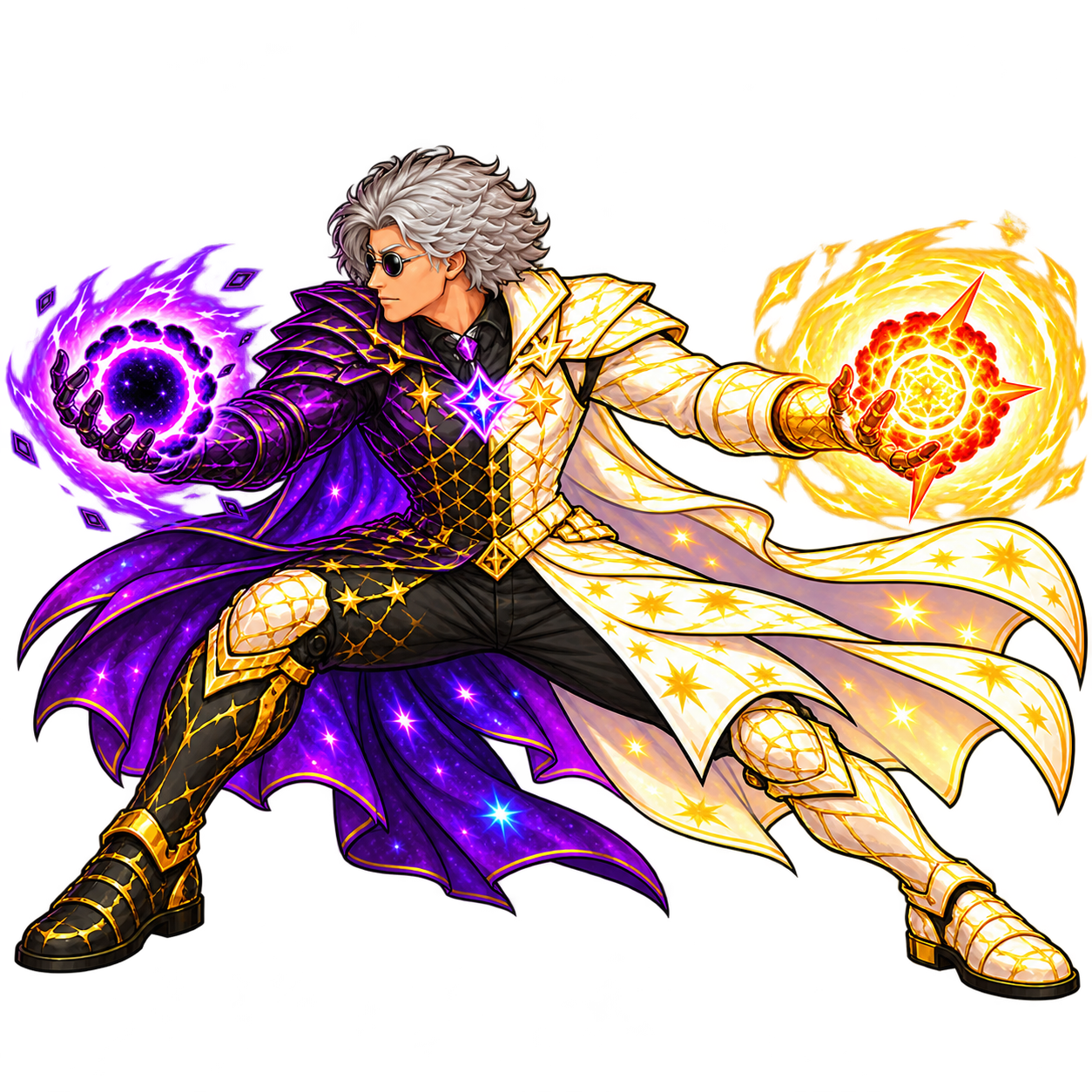
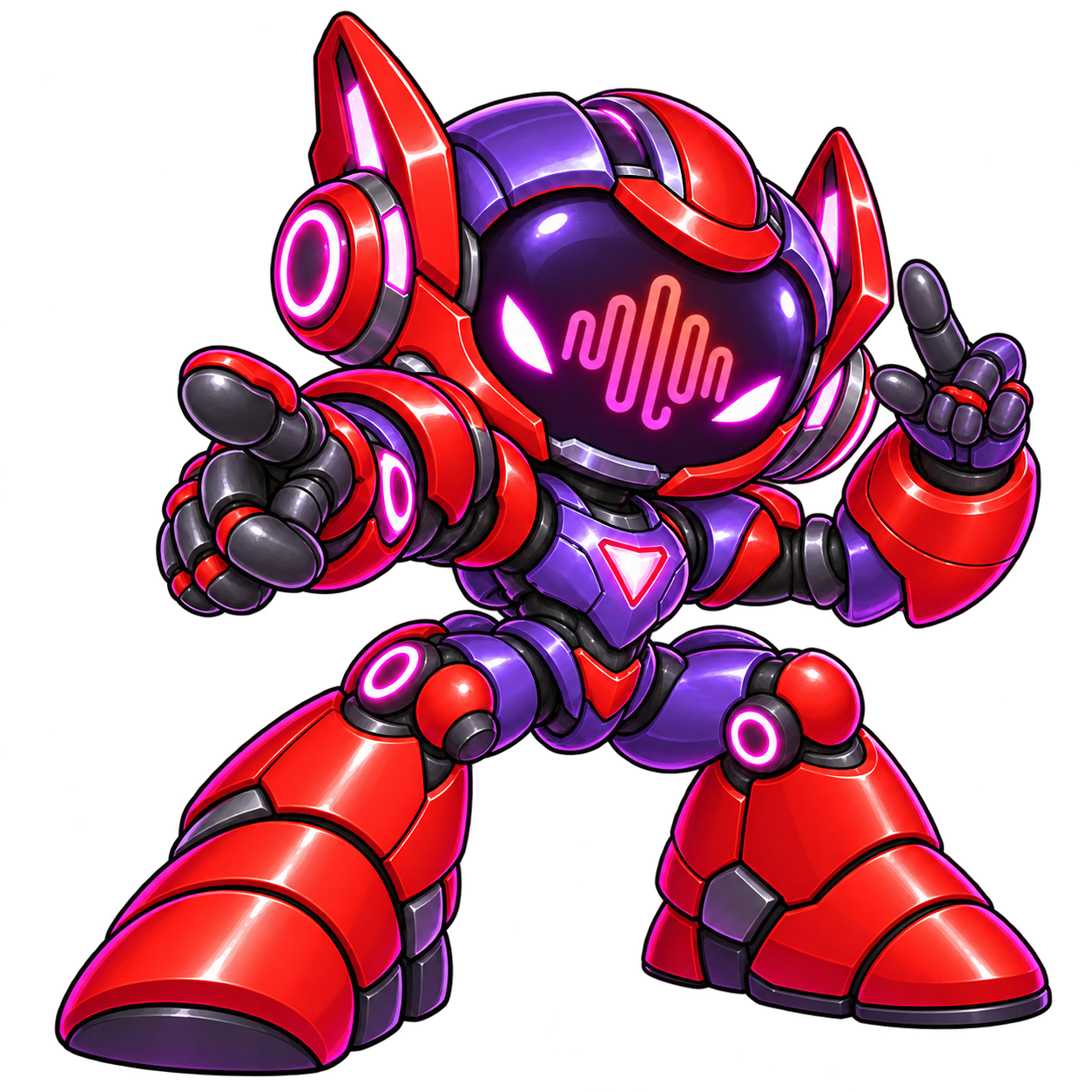
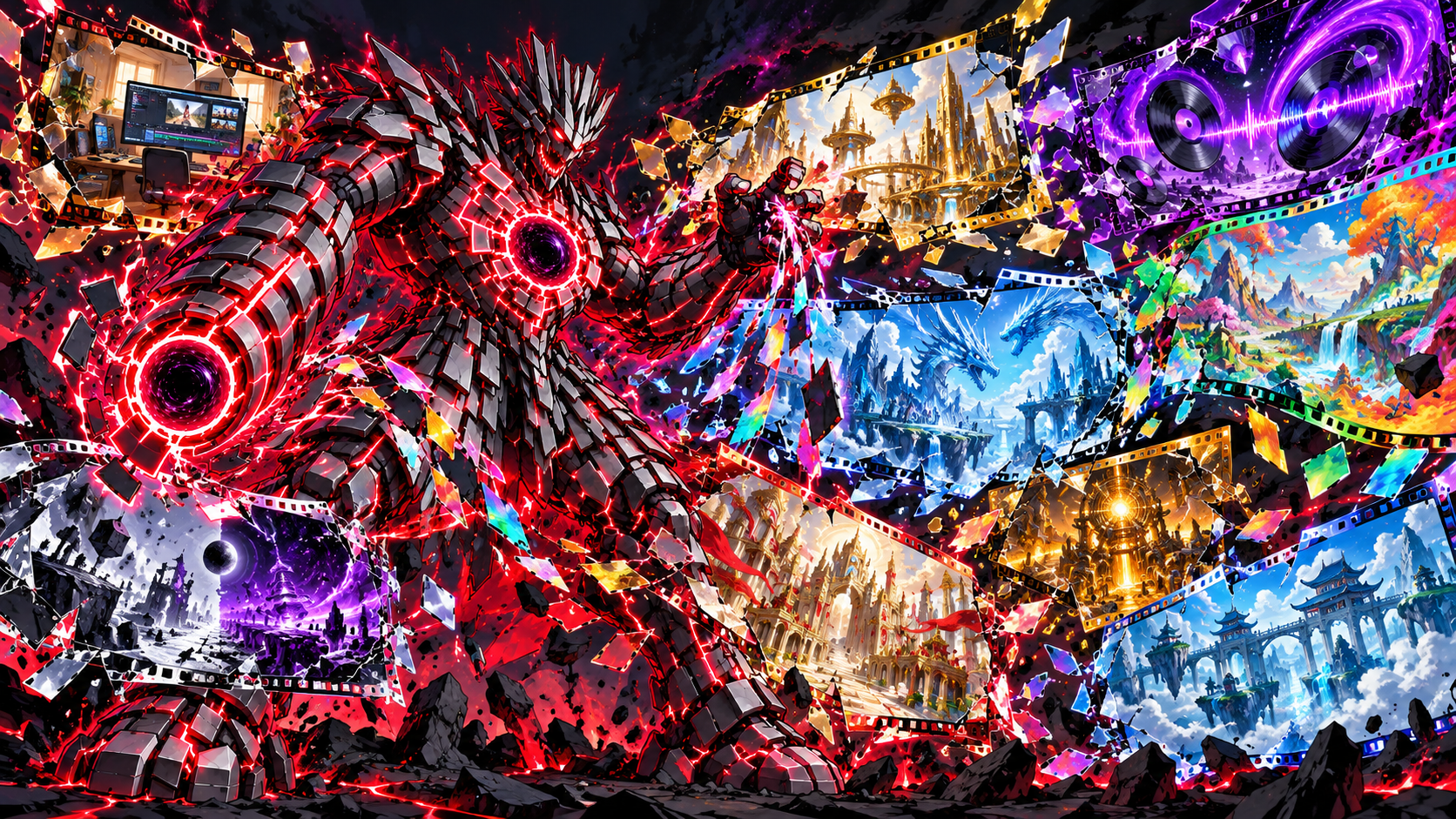
An original fantasy RPG illustration. The Editor is the Super User, with the power Super Flow. After Level 1 fills, Corruption points at the viewer, taunts them and laughs with four types of legion behind him. Higgsfield fires two Twin Framebreaker shots, then throws a Time Grenade filled with glowing green bubble gum with glitter that holds Corruption’s feet through ElevenLabs and OpenArt before releasing. ElevenLabs performs 11 Booming Waves: eleven distinct frequency blasts, then she turns her back and snaps her fingers. OpenArt uses World of Color to strike Corruption with paint energy and splatters reaching toward the viewer. PixVerse uses Darkest Light: a black hole pulls Corruption inward, then a beam descends from the top of the screen. Its impact shatters reality into full-screen glass fragments showing Corruption defeated across multiple universes. Reactor moves into the foreground for Nuclear Reaction: ten small reactor droid agents surround Corruption and fire coordinated lasers from all directions. Tripo uses Primitive Shell: faceted 3D ice breath turns Corruption into a hollow ice statue. MiniMax stands behind Super User’s left leg in the opening and stays visible throughout Super User’s final move. Magnific performs five fast left-to-right matador slashes in front of and behind Corruption, each contact bursting with energy and dealing two damage. Magnific then plants his feet and takes a matador bow before returning. Ten teammates, including Tencent Cloud whose Cloud Serenity draws exactly thirteen clouds from beyond the screen to restore eighteen team energy and blind Corruption in fog and MiniMax with Maxxed Out, six small-form boxing blows, a giant mech punch, and a return with a flex, attack Corruption and build the Super meter through Levels 1, 2 and 3. Level 3 powers the full-team Super Cut Team Combo. All ten powers strike together, his energy reaches zero, and Super User’s final beam adds three finishing impacts to end the combo at exactly 333 hits. The team celebrates. Use Watch Level 3 super to jump to the finale or Pause battle to stop the motion.
Explore creative services, media tools, and intelligence connections. Each card identifies its route, so you can see how it connects to your work.
Explore creative routes in Super Editor. New integrations are in development; availability and provider access vary.
Video workflows and image templates; website handoff also available.

Image and video routes with project libraries.

3D generation with saved previews and downloads.

Voice, dialogue, sound effects, and music routes.

Credential and voice-catalog checks; generation is not enabled.

Planned image and video generation through Tencent Media Processing Service.

Planned Hunyuan 3D workflows. Storage and provider access are required.

Seedream images, Seedance video, and speech narration. Voice uses a separate key.

Supported video streams captured to local clips.

Image, video, and narration routes with saved requests.

Music and sound effects via API; website handoff also available. API billing is separate.

Enhance, generate, and browse account media.

Supported creative routes through OAuth / MCP.

Native image generation; video and audio use account bridges.

Supported video generation and source inputs.

Speech and multi-speaker dialogue routes.

Image and video API routes with model settings and saved jobs.

Planned text-prompt image, video, speech, music, and sound effects. Source-media workflows are not included.

Planned video from text or an image, with optional synchronized audio.

Planned text-to-sound-effects generation. Video-conditioned sound is not included.
Planned image, video, voice, and music through a PixVerse account, separate from the developer API.
Bring visual references, licensed media, media processing, and local or connected intelligence into the same creative journey.

Film-frame search and visual references.

Licensed music and sound-effects catalog access.

Speech-service credentials and connection checks.

MLX, Ollama, and compatible local workers, including local intelligence in Super View.

Review project context and compare findings in Super View with your ChatGPT connection.

Review project context and compare findings in Super View with your Claude connection.

Planned source-media processing through Tencent MPS. A configured account and storage are required.
Some services support credential setup or account checks. Saving credentials alone does not enable generation.

Save an API key for supported fal.ai routes. Verification is unavailable in this setup.

Configuration for a user-deployed endpoint. Direct generation is not enabled through this setup.

Inference-token and provider setup. Direct generation is not enabled through this setup.

FLUX API credential and service setup. Verification and direct generation are not enabled here.

Provider credentials and API setup. Direct generation is not enabled through this setup.

ImaRouter key setup and verification. Direct generation is not integrated.

Platform credential setup; live generation is not enabled.

Direct API setup; Kling models may use supported provider routes. Direct generation is not enabled through this setup.

Provider credentials and API setup. Direct generation is not enabled through this setup.

Google Cloud project and service setup. Verification and direct generation are not enabled here.
API project credentials and service setup. Direct generation is not enabled through this setup.

Developer Console and service access setup. Verification and direct generation are not enabled here.

Provider credentials and API setup. Verification and direct generation are not enabled here.

API token and prediction-service setup. Direct generation is not enabled through this setup.

Developer Platform credential setup. Direct generation is not enabled through this setup.
These tools run on their own websites and are not connected inside Super Editor. Use them separately, then import compatible media into your project.

Create avatars and translated video in HeyGen, then import approved media.

AI tools, music, SFX, and stock media in your licensed account; import into your project.

Open the official account, then import approved media.

Create in the official account and bring media into your project.
Availability depends on the beta build, the supported task, your account access, and configuration. Provider subscriptions, usage charges, and media licensing remain separate. Service names identify catalog options and do not imply a partnership or endorsement.
Explore the creative workflowYOUR NEXT SUPER MOMENT
A little rhythm. A little color. A story that lands.
See how creative choices can change the energy.
Watch the forest rise from the page. Let the bird fly beyond the screen.
02 / KEEP THE IDEA MOVING
A connected path through the work, with room for your own process.
Explore the full workflow ↗
Organize local media, preview your sources, and mark the moments that matter.
Cut and pace your sequence. Use connected generation tools when your story calls for something new.
Refine color, shape sound, add motion and captions, then review the whole picture.
Check output settings, follow render activity, and prepare masters or project packages.
CREATIVE CONTROL, CONNECTED
Keep editorial decisions at the center of an AI-assisted workflow.
Connect supported providers and review generated results in the context of your project. Availability depends on configured services.
Work with local media and use local-compute options where supported by your setup.
Use selections, notes, quality checks, and output records to make informed production decisions.
Third-party accounts, compatible hardware, and separate provider charges may apply. Outputs require your review.
03 / LEARN BY MAKING
Build creative capacity at every level.
Explore the learning library ↗
Lesson outlines from the current in-app curriculum. Estimated practice times; no video course or certification is implied.
04 / MAKE ROOM FOR WHAT’S NEXT
Simple subscription plans.
Space to explore before you commit.
Commercial plan preview. Purchasing and trial activation are not available on this website.
Super Teammates · exclusive partner discounts ↗
A proposed $133.31 first-year offer for verified partners is under consideration. Eligibility and terms are not finalized; no partner agreements or endorsements are implied.
About $16.67 per month, billed yearly.
Third-party provider usage is billed separately. Final launch terms and availability remain to be confirmed.
05 / SYSTEM REQUIREMENTS
Super Editor is developed so all types of users can create.
Super Editor is built for Apple silicon Macs.
CURRENT REFERENCE SYSTEM
M1 PromacOS Tahoe 26.0
Testing has spanned multiple M-series generations, with this configuration serving as our current reference system.Performance varies by project complexity, media format and hardware configuration.
Cloud AI features require an internet connection and applicable provider access.
Minimum macOS version and installation-space requirements will be confirmed before release.
A FEW THINGS TO KNOW
Super Editor is currently a private beta. Apply for Super Beta to tell us about your creative practice. Applications are reviewed, and invitations depend on availability and setup compatibility. Public downloads, checkout, and trial activation are not offered here.
Super Editor is built for Apple silicon Macs, with a current minimum hardware baseline of an M1 Pro and 16 GB of unified memory. See the system requirements for recommendations and our current reference system. The minimum macOS version will be confirmed before release. Windows and Linux availability are not announced here.
Third-party generation services may require separate accounts and charges. The planned subscription does not use Super Credits. Local-compute options depend on compatible hardware and installed models.
Controlled invitations and team review surfaces exist in the beta. Networked collaboration depends on configured services and current beta availability.
Super Start, Super Edit, and Super Flow are present in the current source. The private beta continues to evolve, including its interface, integrations, and feature availability.
SUPER CREATORS / CREATIVE CAPACITY, TOGETHER
Our brand ambassador program welcomes novice, emerging, and professional creators. You don’t need a seasoned résumé: bring curiosity and a willingness to grow. Accepted Super Creators receive full application access, subject to approval.
Meet Super Creators ↗
SUPER BETA / YOUR PERSPECTIVE BELONGS HERE
Help shape a Creative Finisher for every stage of your journey. Tell us what you make, the tools you use, and what you’d love to explore next.
An application starts a conversation.
Invitations depend on availability.
MADE BY 13 LAYERS

 SUPER